Making a submission through the Web application
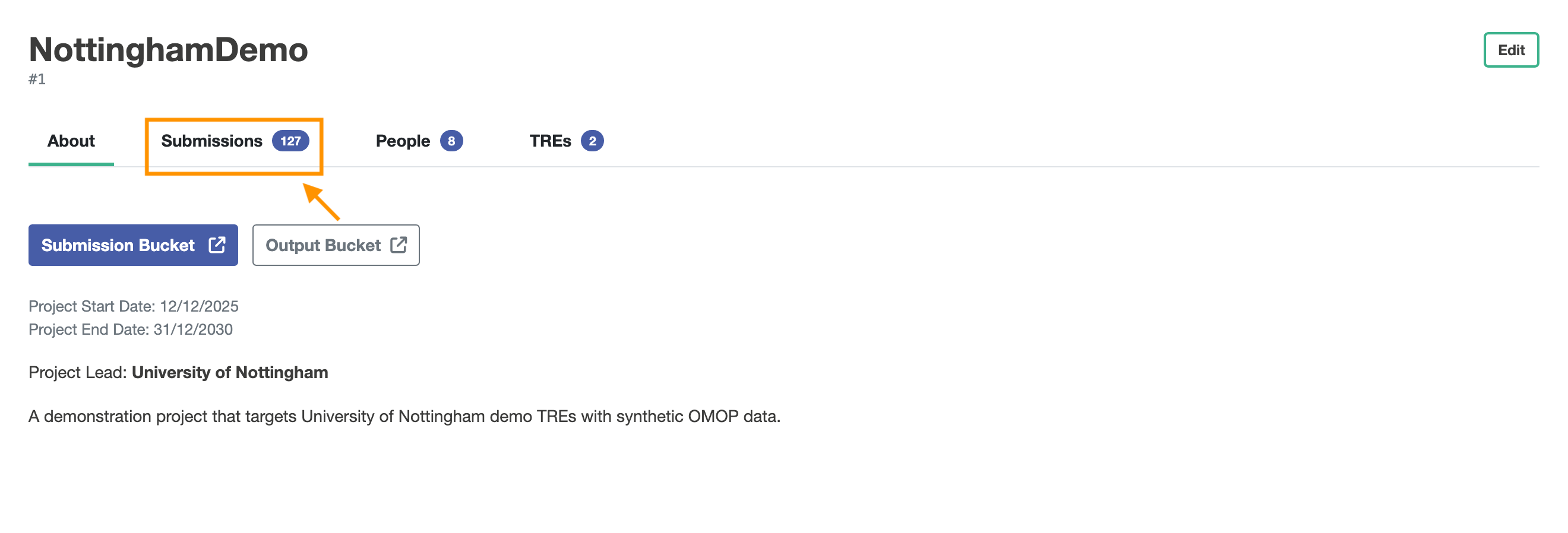
As each submission is associated with a project, you make your submissions in the web application by first navigating to the projects view.
 In the projects view, you can then select a project you are assigned to.
When you are in the project, you can select the Submissions view.
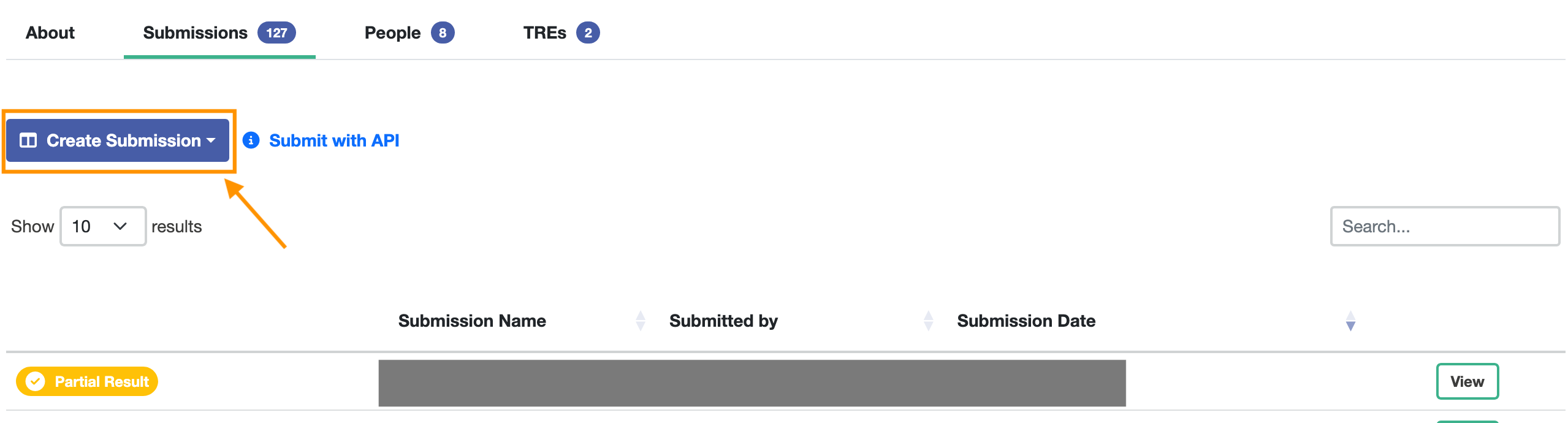
In the Submissions view, you will be shown a button to make a new submission. Clicking the Create Submission button will give you the options
- TES wizard
- GraphQL TES wizard
The TES wizard can help you make a submission